

Troubleshooting
Get help with LibreCam
Contact support from the app, or by email if you can't sign in.
If you can sign in
- Tap your initials at the top right of Projects.
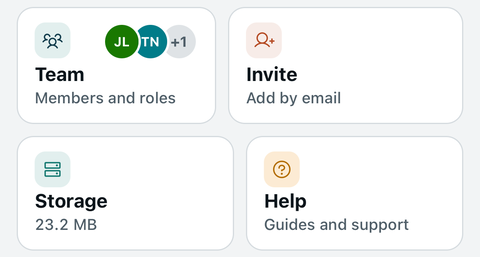
- Tap Help.
- Tap Contact support. Your email app opens a message with your app details filled in.
- Say what happened, which project, and what you see on screen. Then send it.
If you can't sign in
Email librecam@relantic.com from any email account. Tell us your company, your name, and the email address you were invited with.
Still stuck? Get help with LibreCam.